
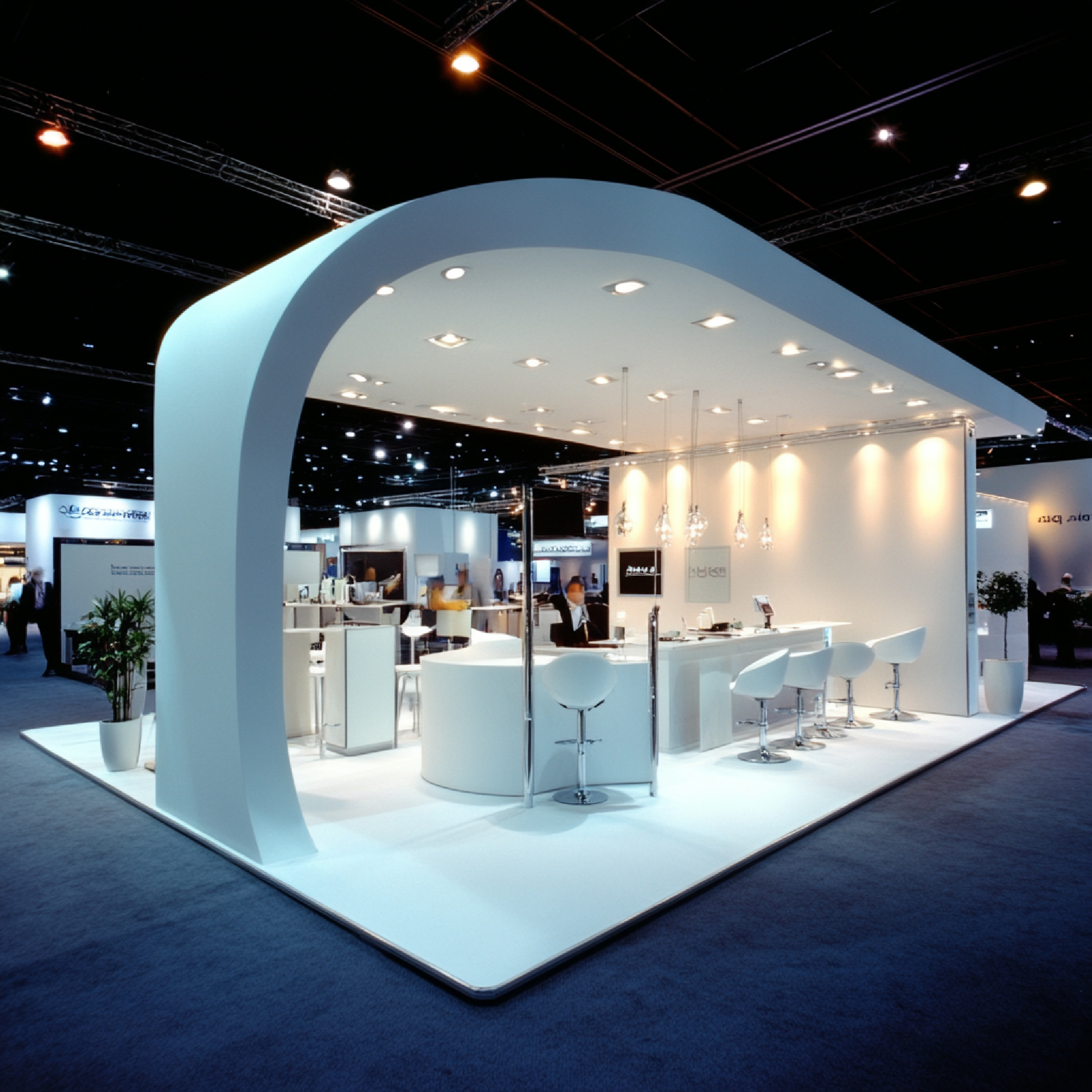
Kiosk / LFD Apps Design Solutions.
Touch. Explore. Done.
Interfaces people understand at first touch.
Kiosk and LFD applications are used where people need to understand information, make selections, explore products, complete a task, or interact with a brand — quickly and comfortably.
We combine UI/UX design, visual communication, interaction design, and brand consistency — with simple navigation, readable content, clear actions, and a well-structured layout, so users interact without unnecessary confusion.

Designed for environments across
From self-service to digital signage.
Each environment has different requirements, so we develop the interface around the intended users, screen size, location, interaction method, and business objective.
Kiosk UI/UX design.
A kiosk interface must be immediately understandable — users may interact for only a few minutes, without instructions. Clear visual hierarchy, readable typography, recognisable icons, and well-defined actions guide users naturally from one step to the next. For self-service terminals, information kiosks, product selectors, registration systems, and wayfinding.
Large Format Display interfaces.
More screen space does not mean filling every area. We use large screens carefully for a strong visual experience — positioning content, imagery, navigation, and interactive areas for readability at the right viewing distance, whether for information, product presentation, signage, or interactive experiences.
Touchscreen applications.
Appropriate spacing, clear interaction states, logical navigation, and simple flows — also for users unfamiliar with the system.
Interactive kiosk applications.
Explore products, compare options, find locations, register, or request information — mapped as a complete journey.
Exhibition & event kiosks.
Company information, portfolios, videos, and lead-generation forms that complement your stall’s identity.
Retail & product displays.
Categories, details, specifications, comparisons, videos, and enquiry options — explored at the customer’s own pace.
Self-service kiosks.
Ordering, check-in, registration, or booking — with clear guidance at every step.
Digital signage & LFD content.
Promotions, announcements, product highlights, events, and campaigns — for single or multiple screens.
Wayfinding & information kiosks.
Maps, categories, visual directions, and search for exhibition centres, malls, campuses, hospitals, and hotels.
Dashboard & management interfaces.
Update content, monitor displays, manage products, and review activity — with clear tables, filters, and status indicators.
Every step easy to understand.
Confirmation messages, error states, progress indicators, and completion screens are part of the overall experience — not added later. Structured flows with logical steps and visible actions give users greater confidence.
Designed for your exact hardware.
We prepare UI layouts to the technical specifications of the project — resolution, aspect ratio, viewing distance, and physical orientation — so the final interface uses the screen space effectively.
Understandable without instructions.
Kiosks are used by people with different levels of technical familiarity and physical ability. Inclusive design considerations are incorporated according to the target environment and applicable requirements.
Part of your business — not generic software.
We bring your brand into the interface through colour, typography, imagery, icons, graphics, and visual hierarchy. The same design language extends across your website, social media, exhibition stand, and presentations.
Flexible for every market.
International applications often need to accommodate different languages, content lengths, currencies, date formats, and user expectations. For European projects, we favour clean, structured design with clear navigation — and plan for text expansion in multilingual interfaces.
A clear reference for your developers.
Our role can begin with an initial idea or an existing application that needs a new visual direction. The final UI is prepared in a structured format — organised screens, reusable components, typography, colours, icons, and interaction specifications.
Information architecture
User journey
Wireframes
Screen layouts
Visual design
Interactive states
Development handoff
We do not add complexity simply because a large screen provides more space.
We consider what users need, what the business wants to achieve, and how the physical environment affects interaction — from the first wireframe to the final visual interface.
Real Results from Real Clients.
Hear how businesses describe their journey with us
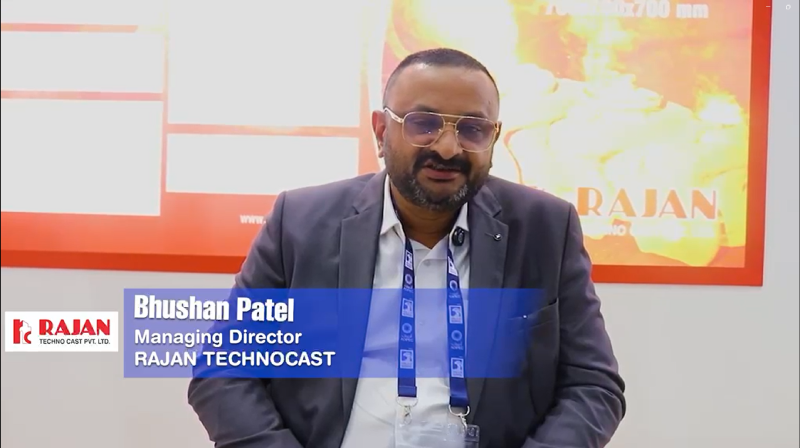
Bhushan Patel
Managing Director, Rajan Technocast
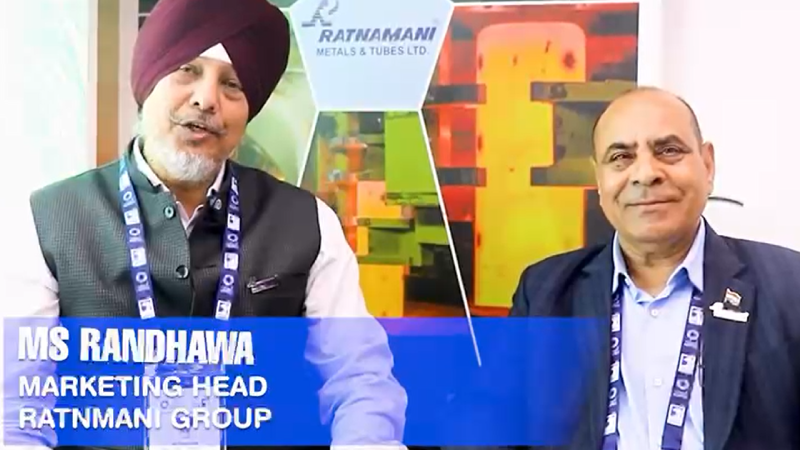
MS Randhawa
Marketing Head, Ratnmani Group
Aurexia Studio
Solaris Business Hub,
Oppo. The National Higher Secondary School,
Ahmedabad- 380013, Gujarat, INDIA
Contact
+91 90999 51517, +91 99091 11933
Poland Office :
Warsaw, Poland (Europe)
Contact
Contact Us.
Please fill in the details and we will be in touch shortly or send us email or Call us